


STANDARD KIT
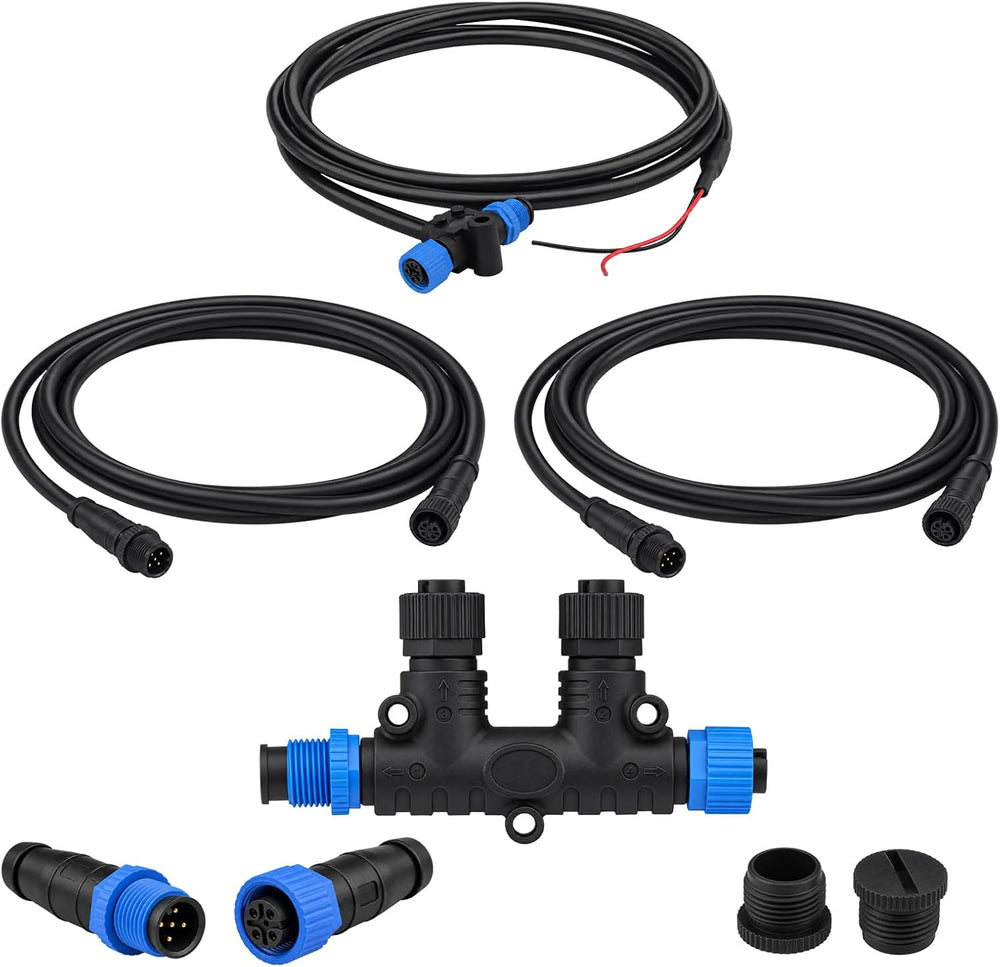
NMEA 2000 Standard Kit
A compact network foundation for displays and instruments.
- 2-port dual T connector
- 2 × 2 m cables · power feed · terminators
- Engine interface cable not included
$59.99 USDExplore the Standard Kit
APPLICATION GUIDE
Three application areas. One consistent way to choose: match the interface, confirm the wiring, then define the assembly.
The scenes below illustrate application areas. Select each product against your equipment documentation and installation requirements.
 01
01Application illustrations
For sensors and machine I/O, begin with the device connector and wiring diagram. Match thread size, contact count and gender before choosing a single-ended cable or a field-wireable connector.
Check: contact count · mating gender · pinout
 02
02Application illustrations
For industrial network or machine-vision equipment, identify the port coding first. D-coded and X-coded M12 interfaces use different contact layouts. Confirm the device pin assignment and required network specification.
Check: D / X coding · shielding · device port
 03
03Application illustrations
For a marine network, map the backbone, power feed, device drops and termination. For engine data, confirm the engine interface and display support; the connector shape alone does not establish compatibility.
Check: engine model · display · network layout
A compact network foundation for displays and instruments.
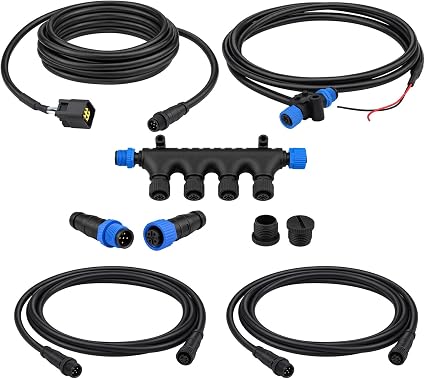
Network essentials with a dedicated Yamaha engine interface cable.
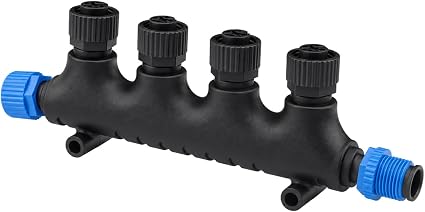
NETWORK COMPONENT
A compact junction for four device drops. Add it to a planned backbone with the correct power feed and termination.